
You’ve doom-scrolled TikTok or Instagram one too many times, right? The same tired videos and posts keep popping up, no matter how much you skip them. It leaves you bored, stuck in a loop of content that once excited you but now feels stale.
That’s app algorithms at work. These smart systems track your likes, watches, shares, and scrolls to predict what you’ll enjoy next. Over time, though, they get trapped by your old habits; if you binged funny cat clips last month, expect more forever.
Resetting them breaks that cycle. You gain fresh feeds full of new ideas, spark hidden interests, and take back control of your screen time. Plus, it combats that overwhelmed feeling from endless repeats.
This post shows you how, with steps that still work in 2026. First, grab some general tricks to refresh any app quickly. Then, dive into exact methods for TikTok, Instagram, YouTube, Facebook, X, Netflix, and Spotify.
Stick around; these easy fixes take minutes and deliver real changes right away.
Spot the Signs Your App Algorithm Needs a Refresh
You open TikTok or Instagram, and the same videos loop endlessly. Ads for products you hate pop up nonstop. Accounts you follow post fresh trends, yet they vanish from your feed. These frustrations hit hard because algorithms chase engagement first. They push what kept you scrolling before, not what’s new or relevant now.
For example, TikTok favors full watches and shares over quick likes. Instagram rewards Reels in your niche. YouTube prioritizes watch time. So, your feed sticks to old patterns. It ignores shifts in your tastes, like moving from cat videos to cooking tips.
Spotting these issues early lets you fix them fast. Otherwise, the loop tightens. You waste time on boring content, miss discoveries, and feel trapped. Check these signs your algorithm needs a reset to break free.
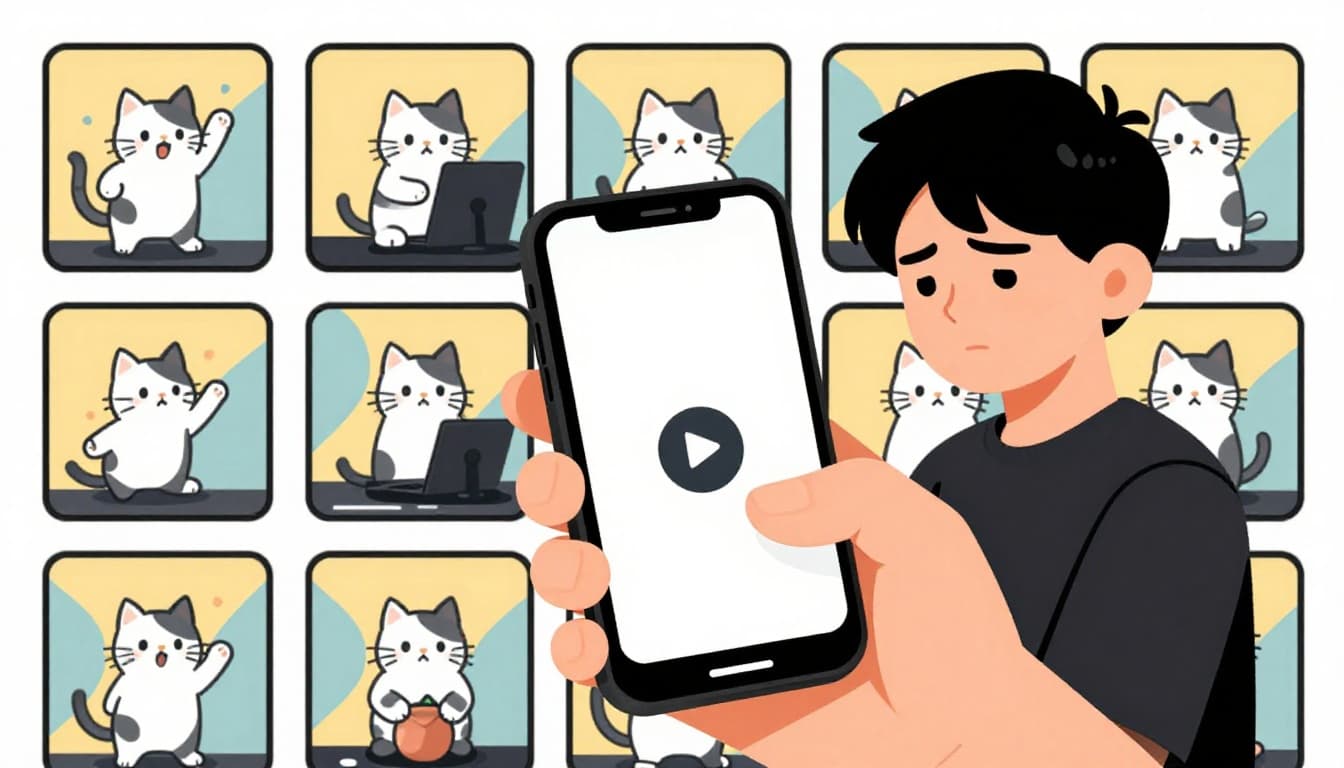
Here are the top signals across apps like TikTok, Instagram, and YouTube:
- Repetitive content dominates: The same clips or posts repeat, even after you skip them dozens of times. Your feed shows yesterday’s videos instead of today’s hits.
- Feedback gets ignored: You like new topics or “not interested,” but nothing changes. Algorithms overlook recent actions and cling to past habits.
- Ads and suggestions mismatch: Unwanted promotions flood in, while fresh trends from followed creators disappear. Engagement metrics override your current interests.
- Low variety in recommendations: Feeds lack diversity. You see one niche endlessly, missing broader content that could spark joy.
- Stale engagement drops: Views or interactions feel off. New posts flop because the system pushes outdated signals.
These clues appear often in 2026 updates. TikTok’s For You Page repeats seen content if you don’t refresh. Instagram’s topics mismatch kills Reels reach, as noted in recent Instagram algorithm guides. YouTube homes in on old watch history.
Ignoring them worsens everything. Algorithms double down on what’s “safe,” burying potential favorites. You end up doom-scrolling more, less satisfied. But once you notice, action comes quick. You’ll reclaim a feed that excites again.
Universal Steps to Retrain Any App’s Algorithm
Apps like TikTok, Instagram, and YouTube all rely on similar signals to build your feed. Likes, watches, and skips train them over time. So, general reset app algorithms tips apply everywhere. You don’t need app-specific hacks yet. These six steps work across platforms because they wipe old data and send fresh signals. Start here for quick wins without hassle.
Picture this as hitting the refresh button on your digital habits. Algorithms respond fast in 2026, often within days. Plus, they rebuild based on what you do next.
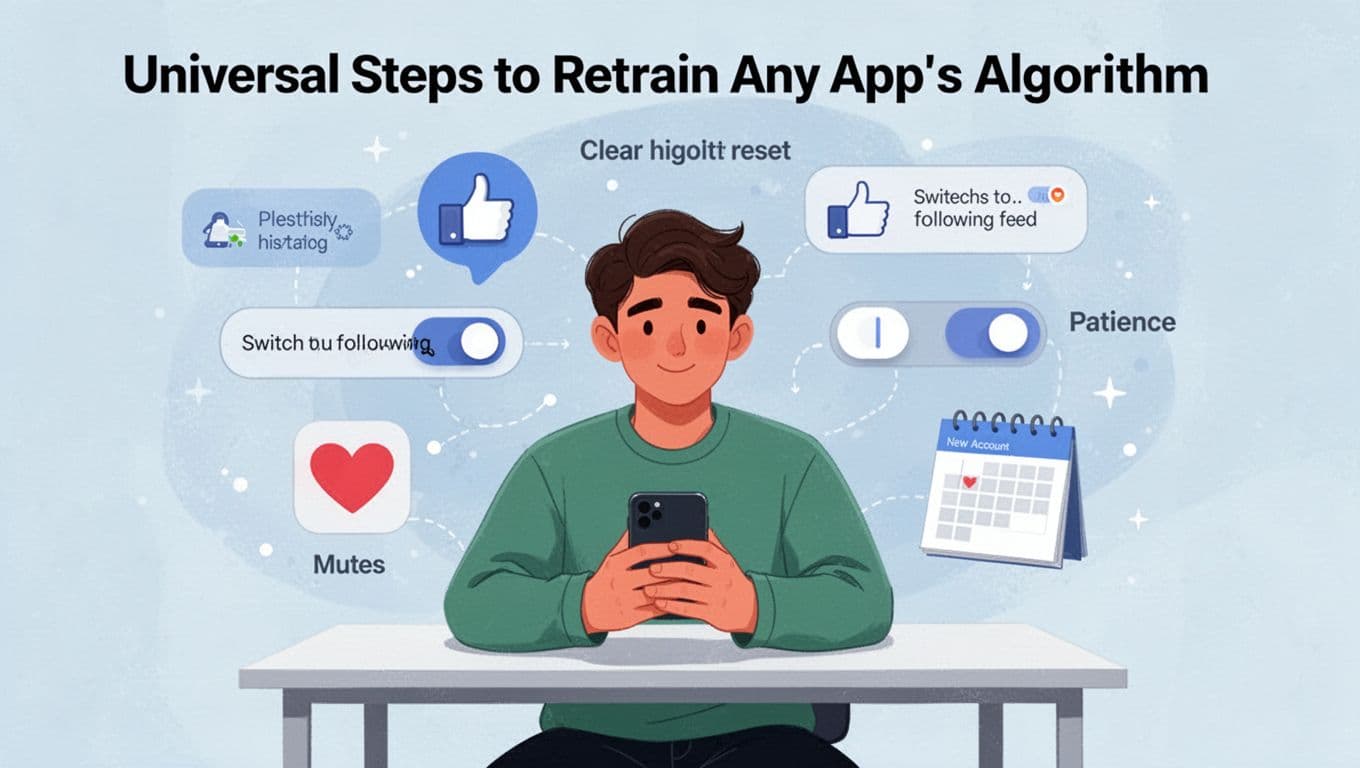
Follow these steps in order. Spend 10-15 minutes daily for a week. Results show up soon after.
- Clear your history first. Go to settings and delete search records, watch history, and like data. This erases past signals that lock you in old loops. Algorithms start from a blank slate, so they pay more attention to new actions. For instance, one platform lets you wipe it all in one tap under privacy options.
- Hit “not interested” or thumbs down on 50-100 items. Scroll your feed and flag repeats aggressively. Do this over two days. It tells the system what to avoid, forcing variety. Algorithms weigh these negatives heavily now, as they prioritize user satisfaction. Skip the guilt; it’s training time.
- Switch to “Following” or chronological view. Most apps offer this toggle in feed settings. It shows only posts from accounts you follow, in time order. No more random pushes. This breaks algorithmic bias right away. Use it as a bridge while you retrain.
- Engage only with content you want, ignore the rest. Like, watch fully, and share desired posts. Mute keywords or topics you hate via settings. Starve old habits by skipping them cold. Algorithms learn from recent engagement, so positive signals dominate fast. Meanwhile, muting blocks bad stuff at the source.
- Create a new account or go incognito for a full reset. Log out, make a fresh profile, or use private browsing. It wipes everything instantly. However, you lose followers and data, so back up first if needed. This nuclear option works when others fail, giving a truly clean start.
- Stay patient for 1-2 weeks. Changes don’t happen overnight. Keep consistent with steps above. Algorithms test new patterns before committing. Track progress daily. By week two, your feed matches your actions.
These methods shine because they target core mechanics shared by all apps. You retrain without deleting everything. For more on sending clear signals, check how to reset your algorithm for better recommendations. New accounts reset fully but cost convenience. Still, most see shifts in days. Your feed feels alive again. Boredom fades, discoveries pop up. Now you’re ready for platform tweaks.
App-by-App Guides: Reset TikTok, Instagram, YouTube, and More
You know the universal steps work across apps. Now go deeper with exact fixes for each one. These app-by-app guides match 2026 updates. They target weak spots like TikTok’s For You Page or Instagram Reels. Follow them in order. Social apps first, then streaming. You’ll see changes in days if you stay consistent. Each method builds on feedback loops, so algorithms learn fast from your actions.
Bust Out of TikTok’s For You Rut
Tired of the same dances or memes on your For You Page? TikTok’s algorithm locks in after heavy scrolls. Reset it to reset TikTok algorithm and pull in fresh videos. Start with quick flags, then wipe history.
First, flag bad content. Tap the share icon on any video. Pick “Not interested” or “I don’t like this”. Do this for 20-50 videos daily. It breaks the repeat loop right away because TikTok weighs these signals heavily.
Next, clear your data. Open profile icon. Tap three lines for menu. Go to Settings and Privacy > Content Preferences > Refresh your For You feed. Confirm the reset. It wipes server-side preferences but keeps your account intact. For extra clean, check Activity center or privacy to clear watch history.
Then, retrain it. Unlike old likes. Watch new topics fully and share them. Follow rising creators in fresh niches. Avoid old habits completely.
Last resort: Make a new account. It starts blank, but follow key people fast.
Changes take a few days. Algorithms test patterns first. Pro tip: Stick to this for one full week. Your feed revives with variety.
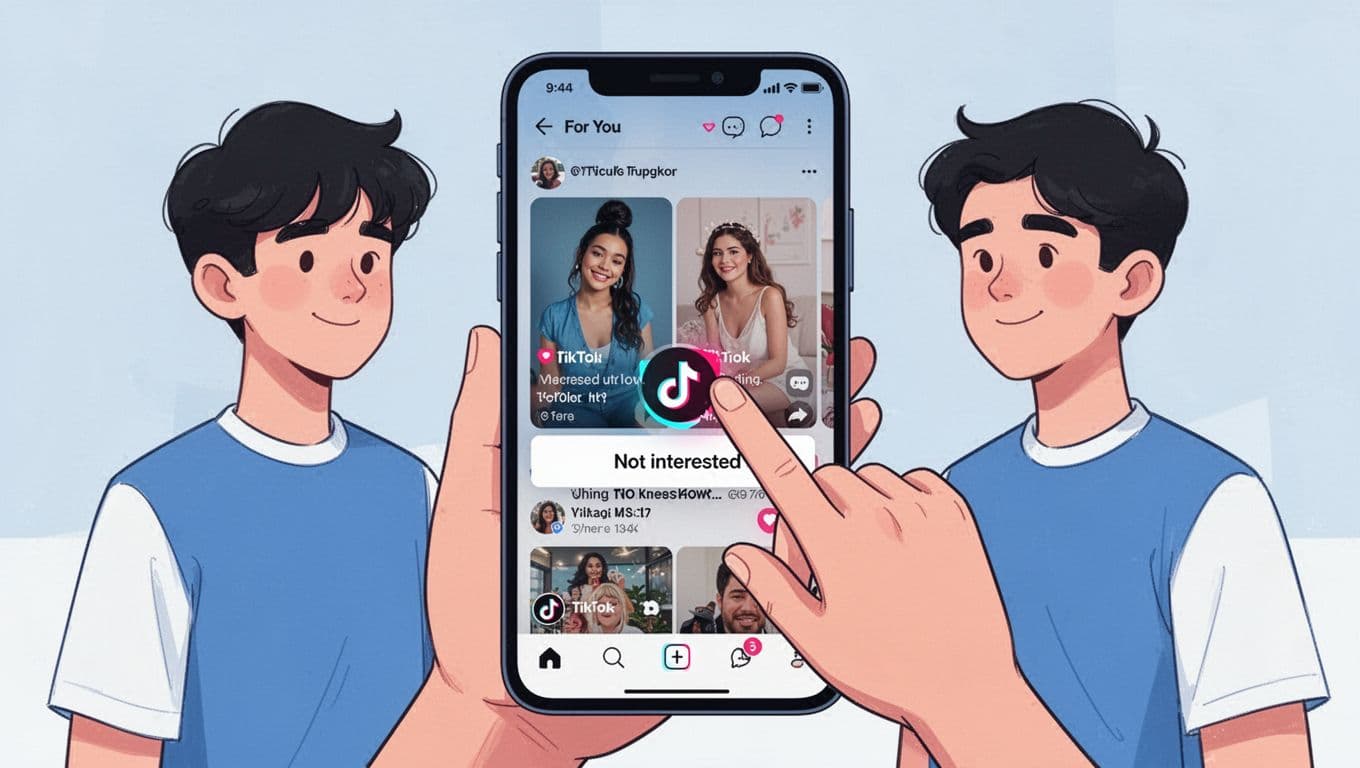
For full details on resetting TikTok FYP in 2026, check recent guides. Users report better discovery after.
Revive Instagram’s Feed and Reels
Instagram mixes Feed, Reels, Explore, and Stories based on past taps. Stale picks kill the fun. Use these steps to reset Instagram algorithm across tabs. Focus on suggested content first.
Hit the reset button. Tap profile. Open three-line menu. Scroll to What you see > Content preferences > Reset suggested content. Tap reset. It clears signals for Feed, Reels, Explore without touching follows.
Clear extras too. Long-press search bar items. Select Remove for old topics. On Reels or posts, tap three dots > Not interested. Do 30-50 times. Unlike past posts you skip.
Switch views. Use Following tab only for a bit. It skips algorithm guesses. Save or post content you crave. This sends strong positive signals.
Limit scrolls to 20 minutes daily. Engage deeply with likes and comments on good stuff.
Feeds feel random at first. Then they match your new inputs. Repeat weekly if needed.
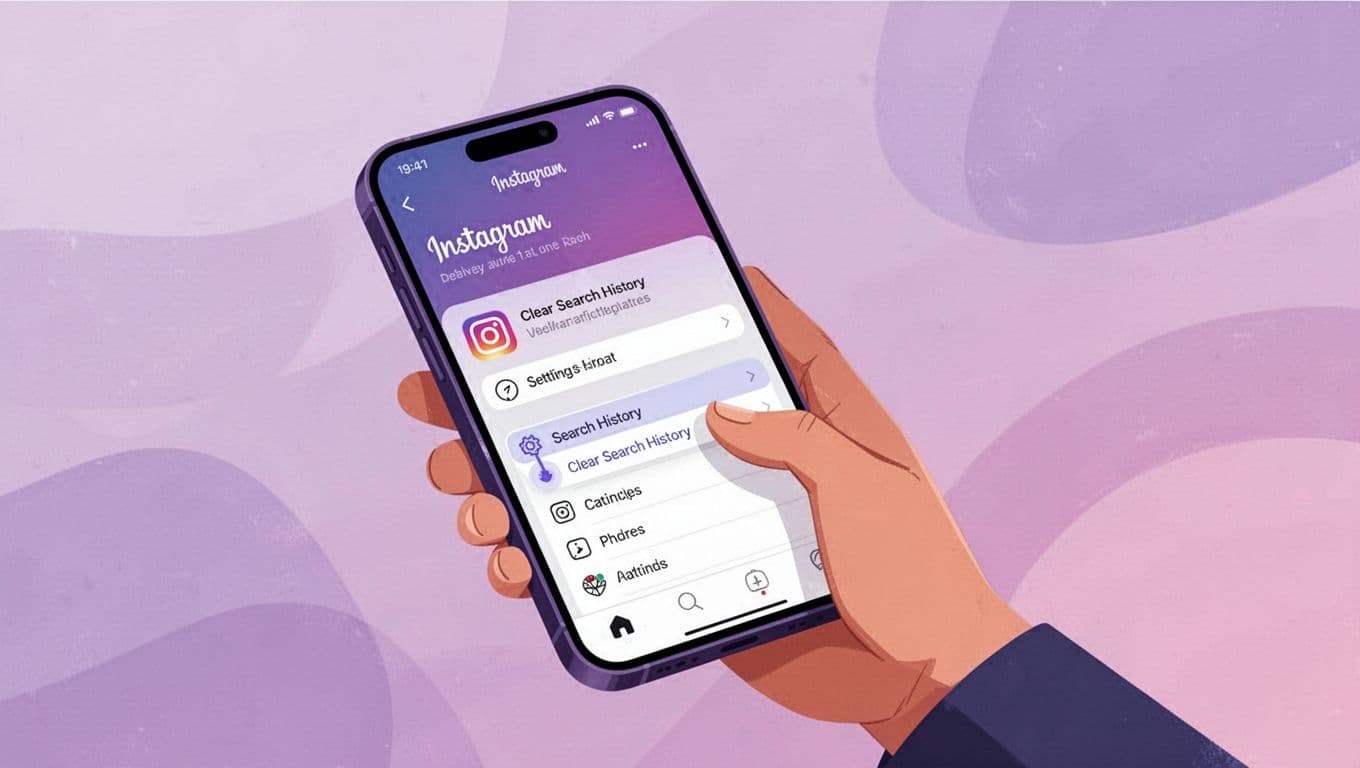
See Instagram’s official reset for Explore and Feed for visuals. It works because resets prioritize recent actions over history.
Clean Up YouTube Recommendations
YouTube pushes based on watch time and searches. Old binges haunt your home page. Clear them to reset YouTube recommendations and get relevant picks.
Start with history. Tap profile icon. Select Your data in YouTube > Manage all history. Delete watch history and search history for all time. Confirm. Turn off tracking if you want auto-deletes every three months.
Flag bad ones. On videos, tap Don’t recommend channel or thumbs down Not interested. Target 20-30 suggestions.
Switch to Subscriptions feed. It shows only channels you pick, no guesses.
Then, watch new topics end-to-end. Rate with thumbs up. Skip junk cold.
Settings help too. Go to profile > Settings > Manage all history for fine tweaks.
Fresh recs appear in hours. Full shift in days with steady use.
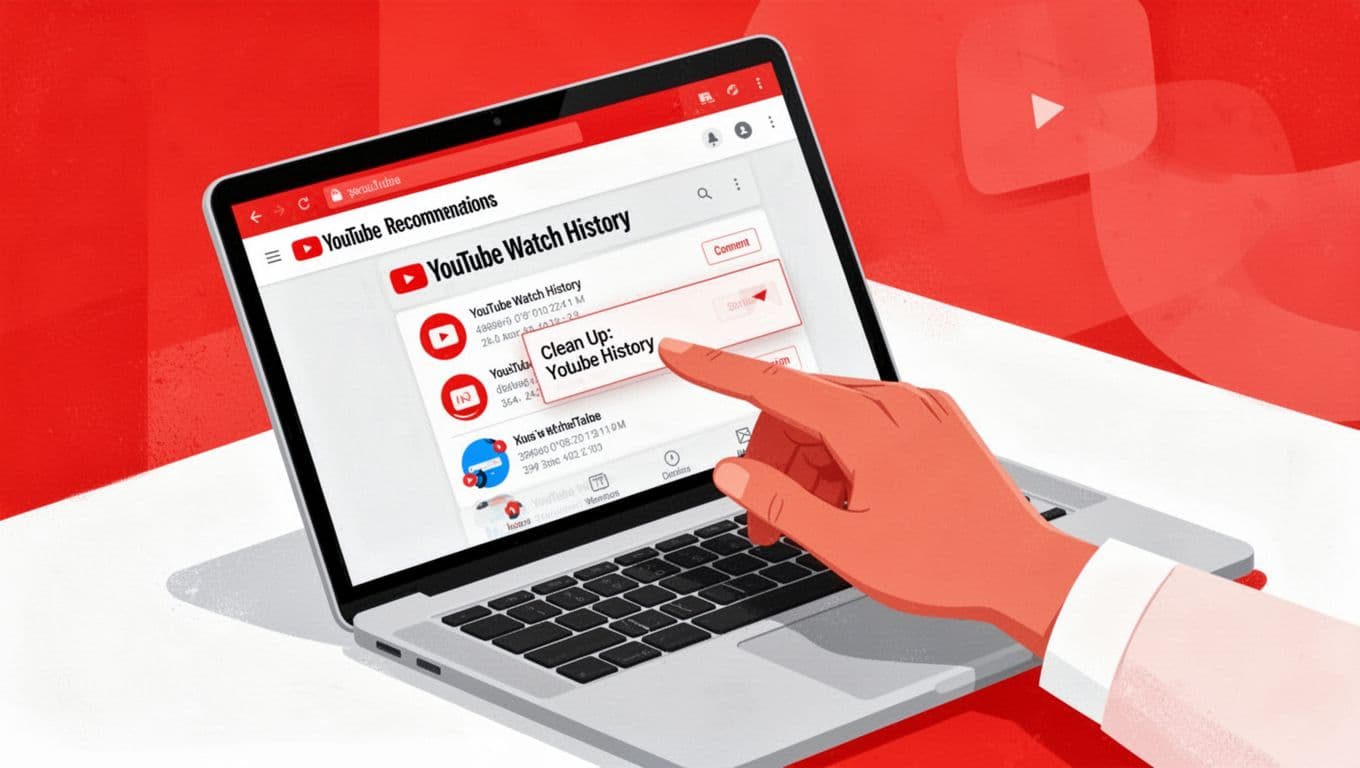
Learn more from clearing YouTube history guides. Algorithms rebuild from active watches.
Fix Facebook and X Feeds Fast
Facebook and X (Twitter) feeds clog with noise. No full reset button exists. Retrain them quick with these reset Facebook feed and X For You steps.
For Facebook: Swipe up to refresh feed multiple times. Menu > Settings & Privacy > Settings > Preferences > Feed preferences. Manage interests, hide posts, clear off-Facebook data. Pin Most recent or Favorites (add 30 friends/pages). Snooze junk for 30 days.
On X: Switch to Following tab bottom menu. Long-press 50-100 For You posts > Not interested. Unlike old likes. Mute words in Settings > Privacy & Safety > Mute and block. Unfollow skips.
Both apps: Engage only wanted posts. Like, comment, share them. Mute topics you hate.
Use Following as default. It cuts algorithm bias. Changes kick in fast.
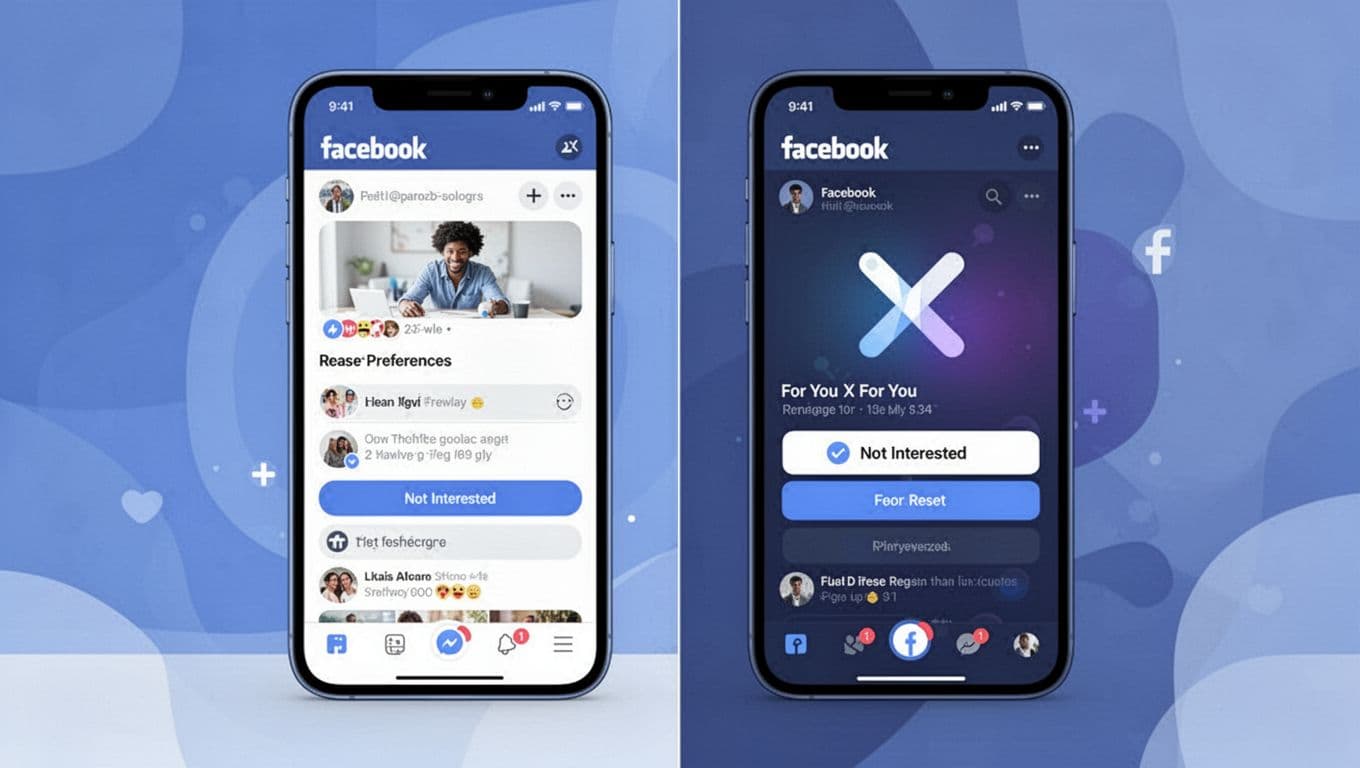
Try resetting Facebook algorithm tips or X feed refresh methods. Consistency trains them best.
Reset Netflix and Spotify Tastes
Streaming apps base picks on plays and skips. Wipe them for reset Netflix algorithm and Spotify recs. Use web for best results.
Netflix first. Log in at Netflix.com (not app). Click Account > Viewing activity. Hide items or Hide all at bottom. Or create new profile (up to five per account). Rate thumbs up/down after.
Spotify: Go Privacy settings > Clear listening history. Delete playlists with old tracks. Thumbs down bad songs. Start fresh library. Private session hides plays too.
Both: Play new genres fully. Skip others. Rate often.
Effects show in 24 hours. Profiles isolate tastes perfectly.
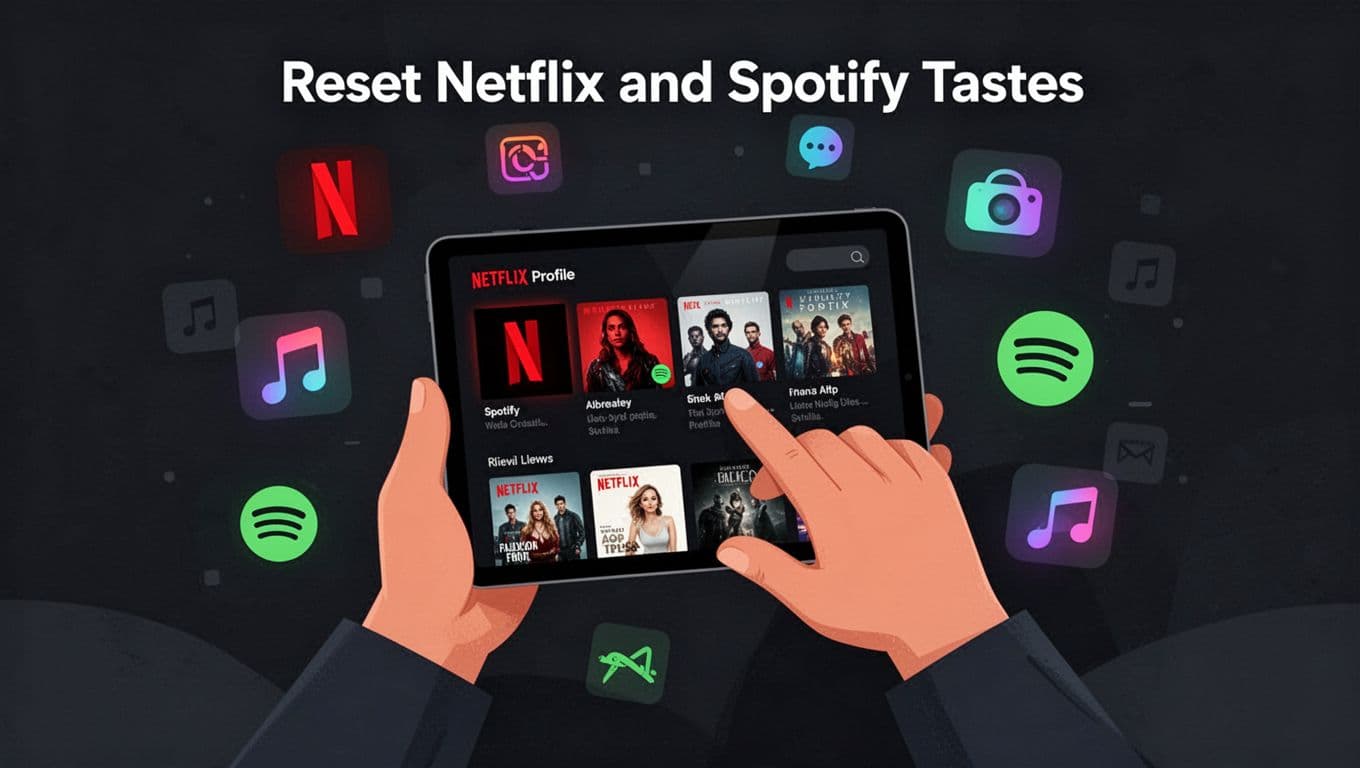
Check Netflix viewing history management for steps. New habits shape future rows.
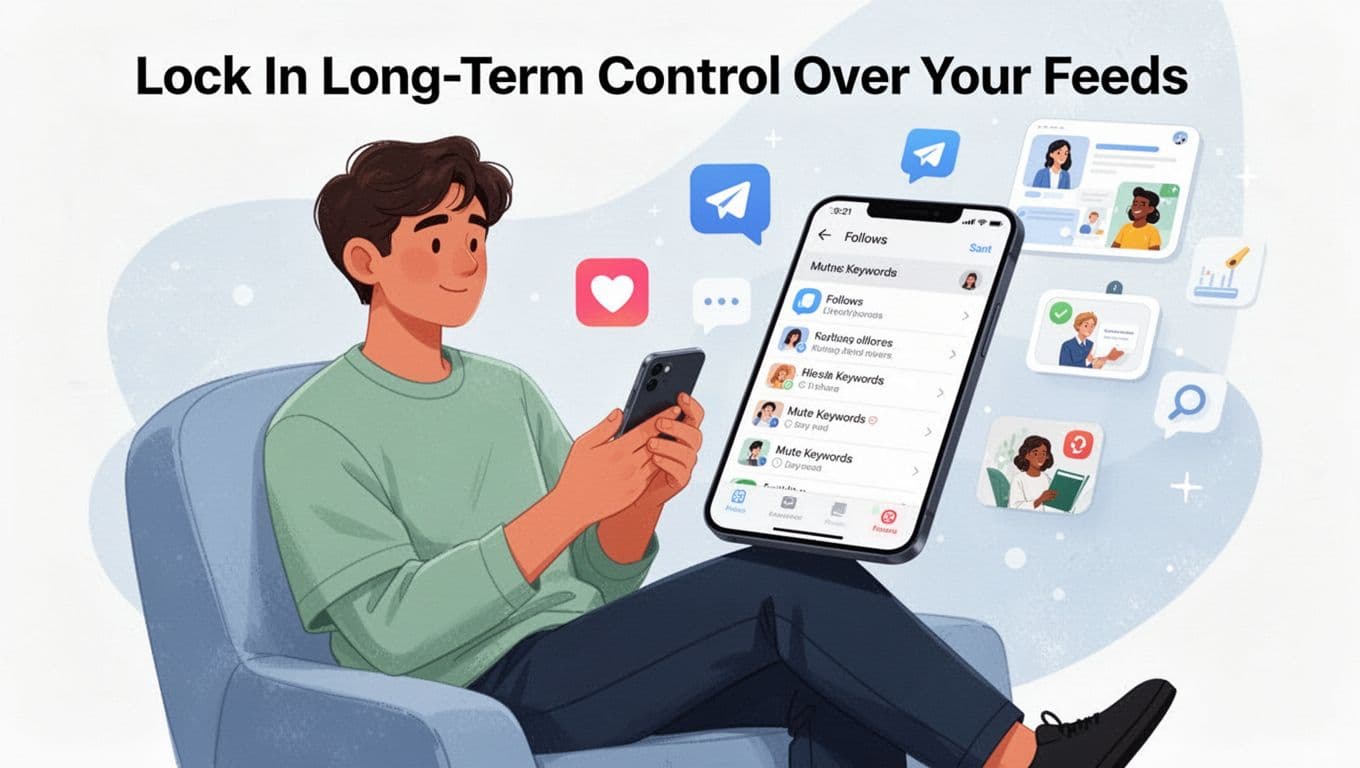
Lock In Long-Term Control Over Your Feeds
You reset your feeds and see quick wins. Now keep them fresh forever. These habits help you change app algorithms permanently. Algorithms respond to steady signals, so build routines that stick. No more loops or surprises. Your time on TikTok, Instagram, or YouTube stays fun and varied.
Daily actions lock in control best. Feedback keeps the system tuned. Curate smartly, and resets fade away.
Build Daily Feedback Habits
Start small each day. Spend five minutes on your feed. Like and share only what excites you. Hit “not interested” on repeats right away. Algorithms pick up these cues fast because they track recent patterns first.
Mix your habits too. Watch cooking clips one day, fitness the next. This adds variety without confusion. As a result, feeds stay diverse. Skip old niches cold. Your actions train the system over time.
Post or comment weekly if you create. But focus on consumption. Full watches and saves send strong signals. In short, consistency beats one-time resets.
Curate Follows, Lists, and Mutes
Unfollow accounts that bore you monthly. Keep your list tight, around 100-200 active ones. On X, build custom lists for topics like news or hobbies. They bypass the main feed and give clean views.
Mute keywords daily, such as “politics” or “ads.” Instagram and TikTok make this easy in settings. Check X lists for algorithm control to group content smartly. These tools prevent bad signals from sneaking in.
Quarterly, review settings across apps. Clear old searches and hidden data. This keeps everything sharp.
Dodge Mistakes and Track Wins
Half-hearted likes confuse algorithms. Commit fully or skip. Ignore mutes, and junk returns quick. So use them often.
Measure success simple. Note fresher content after two weeks. Track skips dropping and new discoveries rising. Apps feel alive again.
You enjoy scrolling without dread. Time saves, joy returns. Try these now, and own your feeds long-term.
Conclusion
You now hold the tools to break free from stale feeds. General steps like clearing history and flagging bad content work across apps. App-specific resets for TikTok, Instagram, and YouTube deliver quick wins because they target core signals.
These methods put control back in your hands. Start today with one app, such as TikTok’s For You refresh. You’ll see fresh content soon, and it combats that doom-scroll trap from the start.
Algorithms shift over time, so revisit these steps yearly. Share your reset stories in the comments below. What’s the first app you’ll reset? Subscribe for more tech tips to keep your feeds sharp.